10 Essential Tips for Designing a Productive Remote Work Office at Home
A great home office isn't a luxury for remote workers — it's the difference between shipping quality work and battling low-grade friction all day. Whether you're settling into a long-term rental, building a base between trips, or finally reclaiming a spare corner of your apartment, the space you work in shapes how you think, focus, and feel by 4pm.
The good news? You don't need a dedicated room or a five-figure budget to build something that works hard for you. A handful of deliberate choices — about light, ergonomics, sound, and layout — deliver most of the productivity gains. The rest is refinement.
Below are ten essential productive home office setup tips, organised so you can tackle the high-impact fundamentals first and layer on the fine-tuning as your budget and space allow. Take what fits your situation and skip what doesn't — every setup is different.
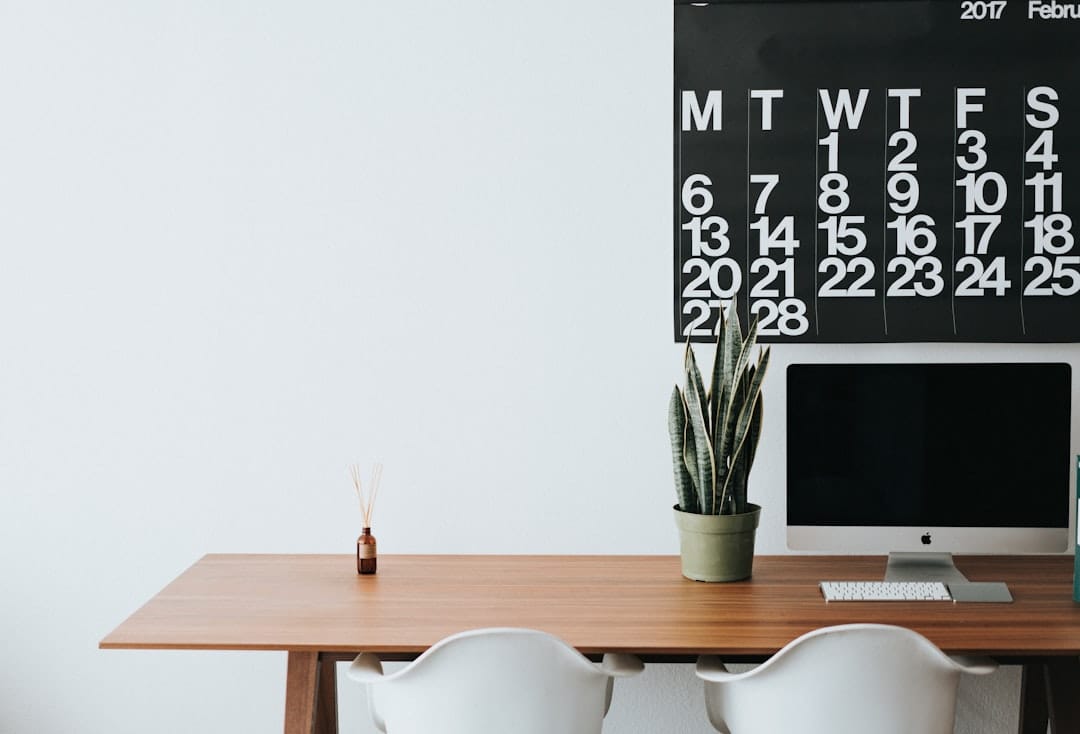
Start With the Non-Negotiables: Light, Chair, and Desk
Start With the Non-Negotiables: Light, Chair, and Desk
Essential furniture and equipment checklist comparing ergonomic standards and investment levels across budget-conscious, mid-range, and premium home office setups.
| Essential Item | Budget Setup | Mid-Range Setup | Premium Setup |
|---|---|---|---|
| Ergonomic Chair | Basic lumbar support | Adjustable height & tilt | Mesh with full customization |
| Desk Height Range | Fixed 75cm | 29–31 inches adjustable | Electric dual-motor sit-stand |
| Natural Light Access | Supplemental task lamp | Near window + dimmable LED | Circadian smart lighting system |
| Monitor Setup | Single laptop screen | One 24–27" external monitor | Dual ultrawide or triple display |
| Estimated Monthly Cost | $50–$150 amortized | $150–$400 amortized | $400+ amortized |
Illustrative figures — composed for shape, not sourced
1. Chase natural light before anything else. Position your desk perpendicular to a window rather than facing it (which causes glare) or backing onto it (which throws your face into shadow on video calls). Daylight regulates your circadian rhythm, reduces eye strain, and lifts mood more reliably than any lamp. If natural light is scarce, invest in a bias light or a daylight-balanced desk lamp around 5000K to keep alertness up during darker hours.
2. Buy the best chair you can afford — full stop. You will spend more waking hours in this chair than in your bed, and the cost of a bad one shows up as back pain, poor circulation, and the fidgety restlessness that quietly erodes focus. Look for adjustable lumbar support, seat height, and armrests. A quality secondhand ergonomic chair beats a shiny new budget one every time.
3. Get your desk height and monitor position right. The top of your screen should sit roughly at eye level so your neck stays neutral, and your elbows should rest at about 90 degrees while typing. A laptop stand plus an external keyboard is a cheap, transformative fix. If you can stretch to a sit-stand desk, the ability to alternate postures throughout the day keeps energy and focus more stable than sitting for eight hours straight.
Design for Focus: Sound, Colour, and Visual Calm
4. Take noise seriously. Even if you live alone, ambient sound leaks into your concentration and your calls. A good pair of noise-cancelling headphones is the single most portable productivity upgrade you can make — invaluable at home and essential if you ever work from cafés or coworking spaces. Soft furnishings like a rug, curtains, or a fabric wall hanging also tame echo, which makes your microphone sound noticeably more professional.
5. Use colour intentionally. The palette around you does more than decorate — it nudges your nervous system toward calm or alertness. Cool blues and greens support sustained concentration, while a warm accent can add energy without overwhelming. There's real science behind this, and it's worth reading up on home office colour psychology before you commit to a paint colour or a wall of loud artwork behind your camera.
6. Reduce visual clutter in your line of sight. Your brain treats every object in view as a small open loop demanding attention. Keep the surface directly ahead of you clean — cables managed, papers filed, phone out of reach. A single plant or a considered object is grounding; a chaotic backdrop is a low-level tax on every task. Aim for a workspace that feels intentional the moment you sit down.
Enjoying this? Get more like it.
Weekly picks for remote workers and digital nomads — tools, destinations, and honest takes, straight to your inbox.
Subscribe free →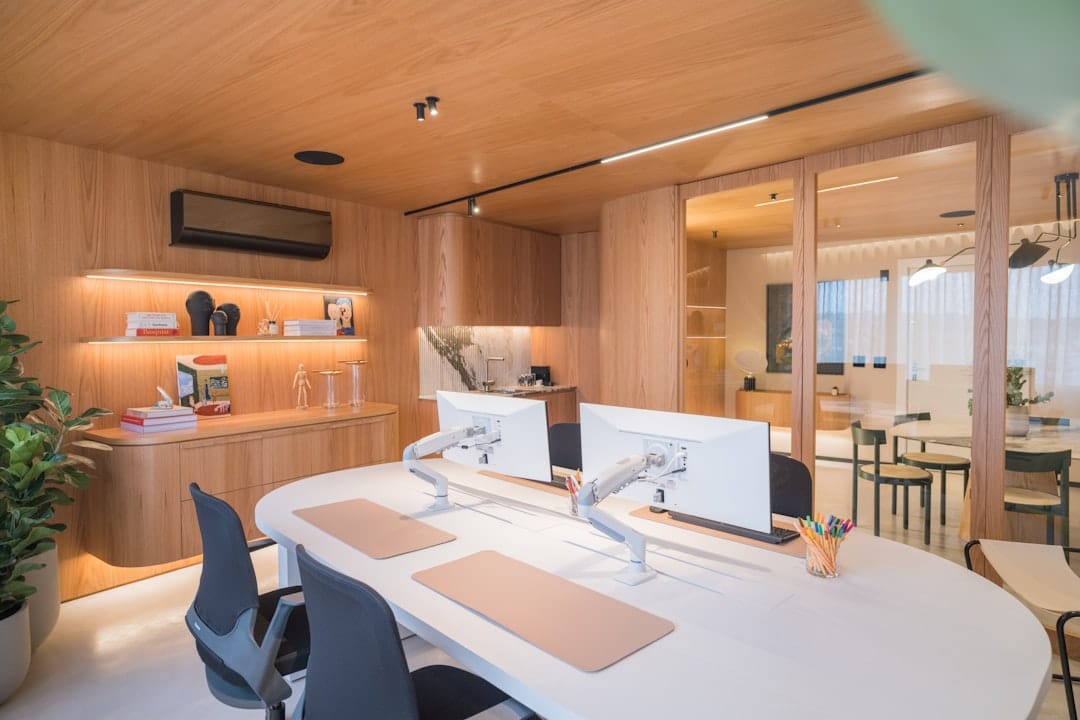
Kit Out the Tech That Actually Moves the Needle
7. Prioritise your internet before your gadgets. No amount of premium hardware compensates for a flaky connection dropping you from a client call. Position your router centrally, upgrade to a mesh system if your space is large or walls are thick, and keep a mobile hotspot or backup SIM on hand for outages. If you work across time zones, reliability during your key overlap hours is worth paying for.
8. Upgrade your camera, mic, and lighting for calls. A cheap external webcam and a small key light instantly make you look more credible on video, and a dedicated USB microphone means colleagues can actually hear you. These are the details that quietly shape how competent you seem in remote-first teams. They also travel well, so the investment pays off whether you're at your desk or working from a rental abroad.
9. Add a second screen if your work is at all visual. Dual monitors — or even a laptop paired with a portable USB-C screen — cut down the constant window-shuffling that fragments attention. For those who move around a lot, a lightweight portable monitor slips into a backpack and recreates a two-screen setup wherever you land. If you're weighing what's worth its weight on the road, our guide to travelling carry-on only is a useful reality check.
Protect Your Energy: Boundaries and Rituals
10. Define where work stops and life begins. The hardest part of working from home isn't productivity — it's switching off. If a separate room isn't possible, create psychological boundaries instead: a laptop that gets packed away, a lamp that only turns on during work hours, or a physical shutdown ritual that signals the day is done. Without these cues, work bleeds into evenings and rest never fully arrives.
Build movement and breaks into the structure of your space, too. Keep a water bottle within reach, leave room to stand and stretch, and resist the urge to eat every meal at your desk. Blurred boundaries are one of the biggest drivers of remote-work exhaustion, and they compound quietly over weeks. If any of this sounds familiar, our piece on mastering digital nomad burnout digs into the habits that keep long-term remote work sustainable.
Finally, remember that a home office is never truly finished — it evolves with your work, your body, and your priorities. Notice what frustrates you during the day and treat those small annoyances as your next upgrade list, rather than accepting them as permanent.
Common Mistakes That Quietly Kill Productivity
Common Mistakes That Quietly Kill Productivity
Comparison of five common home office mistakes, their impact on productivity, and recommended corrective actions for each.
| Mistake | Productivity Impact | Ease of Fix | Recommended Action |
|---|---|---|---|
| Poor chair ergonomics | High (back pain, fatigue) | Medium | Invest in lumbar-support chair |
| Inadequate lighting | High (eye strain, headaches) | Easy | Add desk lamp or reposition desk |
| No visual boundaries | Medium (context-switching) | Easy | Use room divider or door closure |
| Excessive background noise | High (focus loss, stress) | Medium | Install sound panels or use headphones |
| Blurred work–life separation | Medium (burnout risk) | Hard | Establish end-of-day shutdown ritual |
Illustrative figures — composed for shape, not sourced
The most frequent error is treating the home office as an afterthought — working from the sofa, a kitchen stool, or a bed until aches and distraction force a rethink. Comfort in the wrong posture is a trap; a slouched laptop session feels fine for twenty minutes and terrible by the end of the week. Set the space up properly once and you stop paying that toll daily.
Another common misstep is over-investing in aesthetics while neglecting function. A beautifully styled desk means little if the chair wrecks your back or the Wi-Fi drops during meetings. Spend on the invisible fundamentals — seating, connectivity, light, and sound — before the decorative flourishes. Photogenic setups are satisfying, but they should follow from a genuinely usable foundation, not replace it.
Finally, many remote workers forget that their home office doesn't have to be the only office. Rotating into a coworking space or café a couple of days a week fights isolation and injects fresh energy into your routine. If you're newer to this way of working, our guide on how to work as a digital nomad covers how to balance a home base with life on the move.
A productive home office isn't about copying someone else's Pinterest board — it's about removing friction so your best work happens with less effort. Nail the fundamentals of light, ergonomics, sound, and connection, then layer on the tools and touches that suit how you actually work. Each small improvement compounds, and within a few weeks a well-designed space starts to feel less like a room and more like a reliable tool for getting things done.
Start with one or two changes this week rather than overhauling everything at once. Fix the chair, sort the lighting, and get your screen to eye level — then build from there. Your future self, several productive and pain-free workdays from now, will thank you.