How to Set Up a Home Office Desk for Focus and Comfort
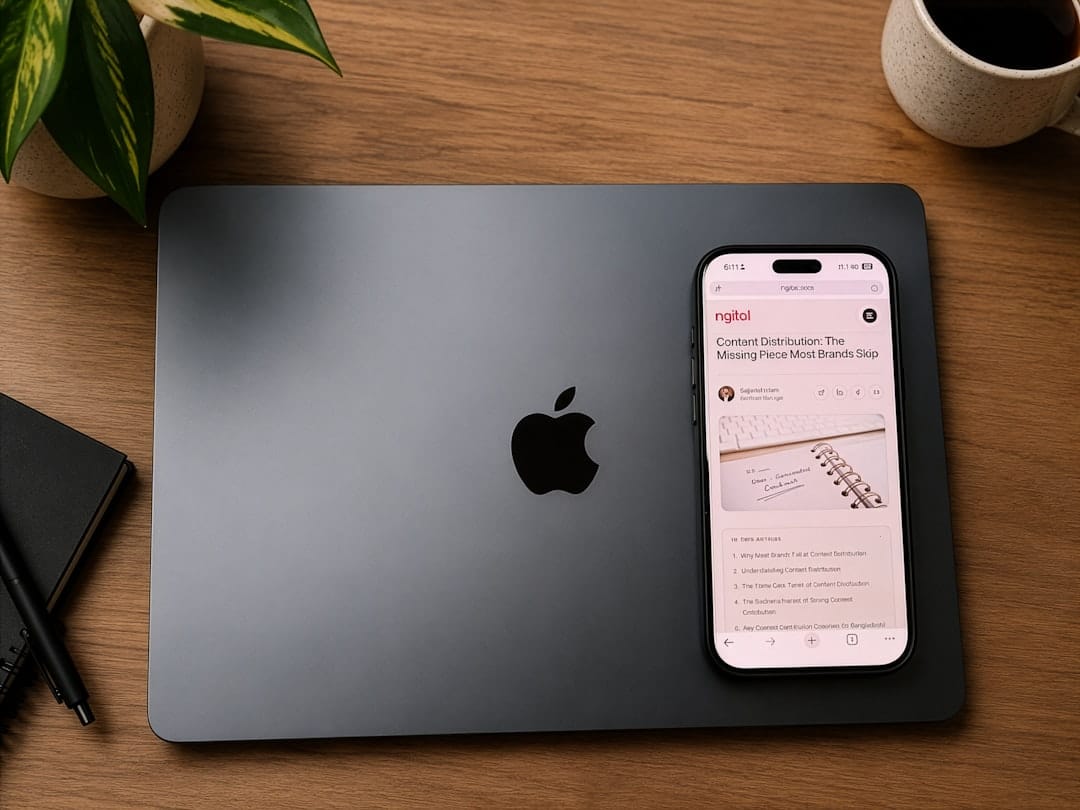
There is a particular kind of morning that only exists when the desk is right. The coffee is steaming beside you, the light falls across the keyboard just so, and the first hour of work slips by without friction. Compare that to the other kind of morning — the one spent hunched over a kitchen table, shoulders creeping toward the ears, a laptop screen tilted at an angle that leaves you squinting by noon. The difference between those two mornings is not talent, discipline, or even how well you slept. It is the setup.
A home office setup for remote work is often treated as an afterthought — something to be assembled from whatever furniture already exists, arranged wherever there happens to be a plug. But the space where you spend eight hours a day deserves more intention than that. It shapes your posture, your focus, your mood, and ultimately the quality of the work you produce. Build it well, and it quietly supports you. Build it badly, and it fights you every single day.
This is not about spending thousands on the newest ergonomic chair or a monitor the size of a window. It is about understanding what actually moves the needle on productivity and comfort, then assembling the pieces that make sense for the way you work and the space you have. Whether you are settled into a spare room or carving out a corner of a studio apartment, the principles hold. Let's build the desk setup that makes the good mornings the default.
Start With the Chair and the Screen
Start With the Chair and the Screen
Comparison of essential ergonomic desk setup options across budget, comfort, and productivity features.
| Feature | Budget Setup | Mid-Range Setup | Premium Setup |
|---|---|---|---|
| Chair Quality | Basic support | Lumbar support | Full ergonomic |
| Monitor Size | Single 24" | Dual 27" | Ultrawide + secondary |
| Desk Height Adjustment | Fixed | Manual crank | Electric motorized |
| Typical Monthly Cost | $50–100 | $150–250 | $300+ |
| Best for Remote Workers | Part-time | Full-time | Health-conscious |
Illustrative figures — composed for shape, not sourced
If you only get two things right, make them the chair and the screen height. Everything else is refinement. The chair is where your body lives for the working day, and a bad one accumulates its damage slowly — a dull ache that becomes a chronic complaint, a slouch that becomes your default posture. Look for adjustable seat height, lumbar support that meets the small of the back, and armrests that let your shoulders drop rather than hunch. Your feet should rest flat on the floor, your knees roughly level with your hips. You do not need the most expensive model on the market, but you do need one that fits your body rather than the other way around.
The screen matters just as much, and this is where laptop users pay a hidden tax. A laptop forces an impossible compromise: either the screen is too low and you crane your neck downward, or the keyboard is too high and your wrists suffer. The fix is beautifully simple. Raise the laptop on a stand until the top of the screen sits at eye level, then plug in an external keyboard and mouse. Suddenly your neck straightens, your gaze lifts, and the tension that used to gather at the base of your skull simply never arrives. If you can add an external monitor, do — the extra screen real estate pays for itself in focus alone.
Think of these two elements as the foundation of the house. You can decorate endlessly, but if the foundation is crooked, nothing on top of it will ever feel stable. Get the chair and screen right first, live with them for a week, and notice how your body stops sending distress signals halfway through the afternoon.
Light, Sound, and the Mood of the Room
Light is the most underrated productivity tool in any home office. Natural light regulates your energy in ways artificial bulbs struggle to imitate, so if there is a window, position the desk to make use of it — ideally with the light coming from the side rather than behind you, which throws glare onto the screen, or in front of you, which leaves you squinting into brightness. When the sun goes down, a warm desk lamp aimed at the wall rather than directly at your eyes keeps the space soft and workable. Avoid the single harsh overhead bulb that turns every evening session into an interrogation.
Sound shapes concentration as powerfully as light shapes energy. Some people thrive in silence; others need a low hum of background noise to keep the mind from wandering. A decent pair of headphones — noise-cancelling if the budget allows — is worth its weight in focused hours, especially in a shared home or a noisy neighbourhood. Pair them with a playlist of ambient sound or instrumental music and you create a portable bubble of concentration that travels with you from room to room, or country to country.
Then there is the mood of the room, which is subtler but no less real. Colour, texture, and a small amount of greenery all shift how a space feels to work in. A plant on the corner of the desk, a piece of art on the wall, a colour scheme that calms rather than agitates — these are not indulgences, they are quiet productivity aids. If you want to go deeper on this, our piece on home office colour psychology unpacks exactly how the shades around you nudge your focus without you noticing.
Enjoying this? Get more like it.
Weekly picks for remote workers and digital nomads — tools, destinations, and honest takes, straight to your inbox.
Subscribe free →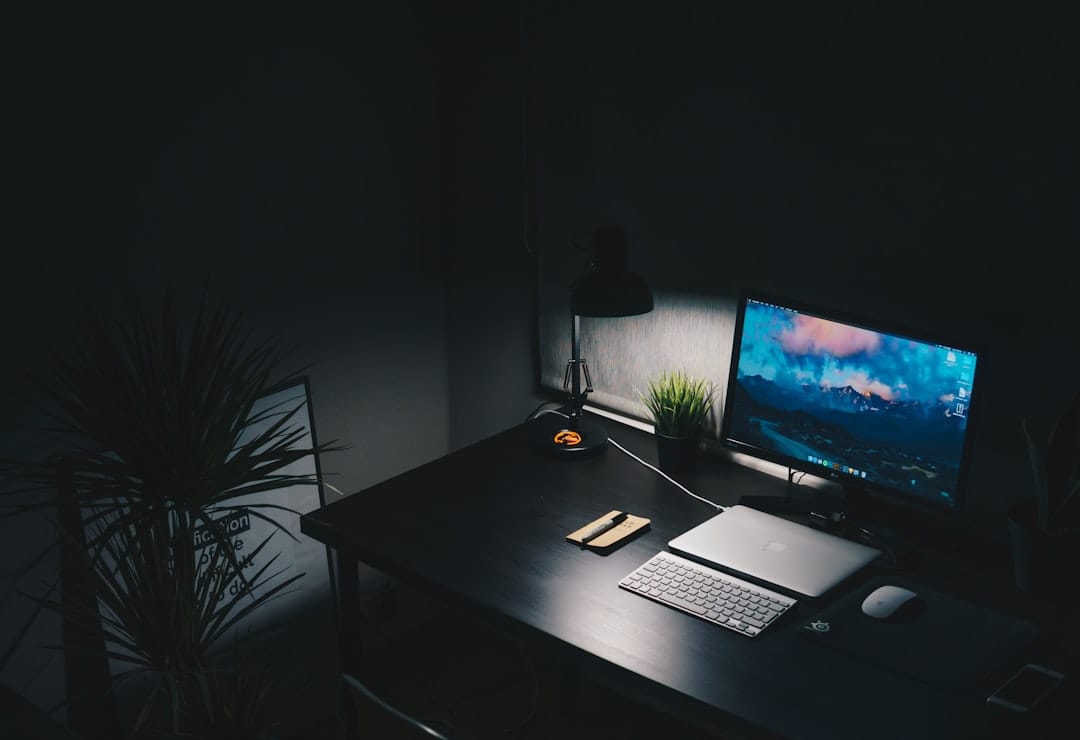
Cable Chaos and the Case for Minimalism
A cluttered desk is a cluttered mind, and few things clutter a desk faster than cables. The tangle of charging cords, monitor leads, and adapters that gathers behind a workstation has a way of creeping forward until it colonises the surface you actually work on. Tame it early. A few adhesive cable clips along the underside of the desk, a small power strip mounted out of sight, and a habit of routing new cables the moment they arrive will keep the chaos from ever taking hold. The visual calm this creates is disproportionate to the effort involved.
Minimalism on the desktop is a discipline worth cultivating. Everything within arm's reach should earn its place: the notebook you actually write in, the pen that actually works, the single cup of coffee. Everything else — the stack of unopened mail, the three chargers you never use, the souvenir mug holding pens that dried out months ago — belongs elsewhere. A clear surface signals to the brain that this is a place for one thing, and that clarity translates directly into deeper focus.
The same principle extends beyond the physical desk into the digital one. A screen buried under forty browser tabs and a desktop littered with unnamed files creates the same low-grade friction as a messy table. Clearing that noise is part of the setup too. If your workspace battles constant interruption, our guide to creating a distraction-free workspace pairs neatly with the physical decluttering — the two together are what turn a nice-looking desk into a genuinely productive one.
The Tools That Actually Earn Their Place
Beyond the furniture, a handful of tools quietly separate a workable setup from a great one. A mechanical or low-profile external keyboard makes typing less fatiguing over long stretches. A dedicated webcam and a small ring light transform video calls from grainy afterthoughts into something that reads as professional and present. A second monitor, or even a portable travel screen for those working from cafés and co-living spaces, expands the mental canvas so you are no longer flicking between overlapping windows all day. None of these are essential on day one, but each one compounds over months of use.
Software deserves the same scrutiny as hardware. The applications you open a hundred times a day shape your workflow as much as the chair you sit in. A reliable password manager, a note-taking system you actually trust, a calendar that syncs across devices, and a communication tool that keeps your team in sync are the digital equivalent of a well-organised desk. You do not need to spend a fortune here either — there is an enormous amount of capable free software for remote work, and our complete list of free remote work tools is a good place to build your kit without opening your wallet.
The trick with tools is resisting the urge to accumulate. Every gadget and app promises to make you more productive, and most of them simply add another thing to manage. Choose deliberately. Add a new piece only when you feel the absence of it, not because a review told you it was the best on the market. A lean, intentional toolkit almost always outperforms a sprawling one, because it lets you build muscle memory instead of constantly relearning where everything lives.
Making the Setup Portable and Sustainable
For anyone whose home office might be in a different city — or a different country — every few months, the goal shifts slightly. The perfect immovable setup becomes less useful than a portable one that can be recreated anywhere. A folding laptop stand, a compact keyboard and mouse, a slim travel monitor, and a good pair of headphones fit into a carry-on and let you assemble a functional workstation on a café table, a co-living desk, or a temporary apartment within minutes. The principles stay identical; only the furniture changes. Screen at eye level, external keyboard, decent light, minimal clutter — these travel just fine.
Sustainability here is about more than gear — it is about protecting yourself from burning out in the space you have optimised. A setup so comfortable that you never want to leave it can quietly encourage twelve-hour days, which is its own kind of trap. Build breaks into the day, step away from the desk for lunch, and physically close the laptop when work ends, especially if the office and the bedroom are the same room. The best setup supports sustainable work, not endless work. If the line between the two has started to blur, our thoughts on mastering remote work burnout are worth sitting with.
Ultimately, the aim is a workspace that adapts to your life rather than one that anchors you to a single spot. Whether you settle for years or move with the seasons, the setup should serve the work and the person doing it — comfortable enough to sustain long stretches of focus, flexible enough to travel, and simple enough that maintaining it never becomes a chore in itself.
A great desk setup does not announce itself. You notice it in its absence — the ache that never comes, the glare that never strikes the screen, the tangle of cables that never pulls your attention. Built well, it recedes into the background and simply lets you work. That is the whole point. The setup is not the achievement; the achievement is everything you go on to do because the setup got out of your way.
Start with the two things that matter most, add the rest slowly, and let the space grow with you. The good mornings — coffee steaming, light falling just right, that first hour slipping by without friction — are not luck. They are the reward of a room built with intention.