Free Software for Remote Work: Your Complete List
There's a particular kind of quiet panic that hits when you're perched at a wobbly café table in a city you can't yet pronounce, the Wi-Fi flickering, a client message glowing on your screen, and you realise the tool you need costs more than your monthly coffee budget. The remote work dream is real, but the software stack that makes it possible can quietly eat away at the freedom you crossed oceans to find. Subscription after subscription, each one nibbling at the runway.
Here's the reassuring truth few people mention: some of the most powerful tools for working from anywhere are completely free. Not crippled trial versions or bait-and-switch freemium traps, but genuinely capable software that professionals use every single day to run entire location-independent careers. You can write, design, communicate, invoice, secure your connection, and organise your whole working life without handing over a card number.
What follows is a complete, honest guide to the free software worth installing before your next departure. Think of it as packing light for your digital life — carrying only what earns its place, and leaving the expensive dead weight behind.

Communication Tools That Keep You Connected Across Time Zones
Communication Tools That Keep You Connected Across Time Zones
Comparison of free communication platforms for remote teams, highlighting key features and limitations.
| Platform | Video Calls | Team Chat | Recording |
|---|---|---|---|
| Jitsi Meet | Unlimited | Not available | Browser-based |
| Mattermost | Limited | Full access | Not available |
| Rocket.Chat | Included | Unlimited | Available |
| Discord | Up to 50 users | Unlimited | On request |
The heartbeat of any remote career is communication, and thankfully this is where free tools shine brightest. Slack's free tier still lets you run a full workspace with channels, direct messages, and integrations — enough for most small teams and freelancers coordinating with clients. Pair it with Zoom's free plan for face-to-face calls, and you already have the two pillars that most offices consider non-negotiable, without spending a thing. Yes, Zoom's free calls cap at forty minutes for group meetings, but you'll be surprised how often a tight time limit sharpens everyone's focus.
For the deeper, always-on connection that keeps far-flung teams feeling human, Discord has quietly become a favourite well beyond gaming circles. Its persistent voice channels let colleagues drop in and out like they would in a shared office, and the whole thing is free. When you need something more polished for external calls, Google Meet asks nothing more than a Google account and works straight from the browser — no downloads, no fuss, ideal when you're borrowing a friend's laptop in a hostel lounge.
Don't underestimate the humble messaging apps either. Telegram and Signal handle everything from quick client check-ins to sharing large files, and Signal's encryption gives you peace of mind when discussing sensitive project details over questionable public networks. Between these, you can maintain the kind of responsive, warm communication that reassures clients you're just as present from a beach town in Portugal as you were from a desk back home.
Productivity and Organisation Without the Price Tag
When your office changes every few weeks, your organisational system becomes your anchor. Notion's free personal plan is astonishingly generous — you can build project trackers, client databases, travel itineraries, and a personal knowledge base all in one place, syncing seamlessly across your phone and laptop. Trello offers a simpler, more visual approach with its free Kanban boards, perfect for mapping out which tasks are stuck in customs and which have shipped. Both cost nothing until your needs grow genuinely large.
For the daily grind of documents and spreadsheets, Google Workspace's free consumer tier — Docs, Sheets, Slides, and 15GB of Drive storage — replaces expensive office suites entirely, with the added bonus of real-time collaboration and offline mode for those long train journeys through the countryside. If you prefer keeping your files off the cloud giants, LibreOffice is a fully featured, open-source desktop suite that opens and saves everything the corporate world throws at you, and it never asks for a subscription.
Time itself becomes slippery when your days aren't bookended by a commute, which is why a good time tracker matters. Toggl Track's free plan quietly logs where your hours actually go, revealing the difference between feeling busy and being productive. If you want to go deeper on structuring your working day around unfamiliar rhythms, it's worth exploring the best time management tools for digital nomads, many of which cost nothing to start.
Enjoying this? Get more like it.
Weekly picks for remote workers and digital nomads — tools, destinations, and honest takes, straight to your inbox.
Subscribe free →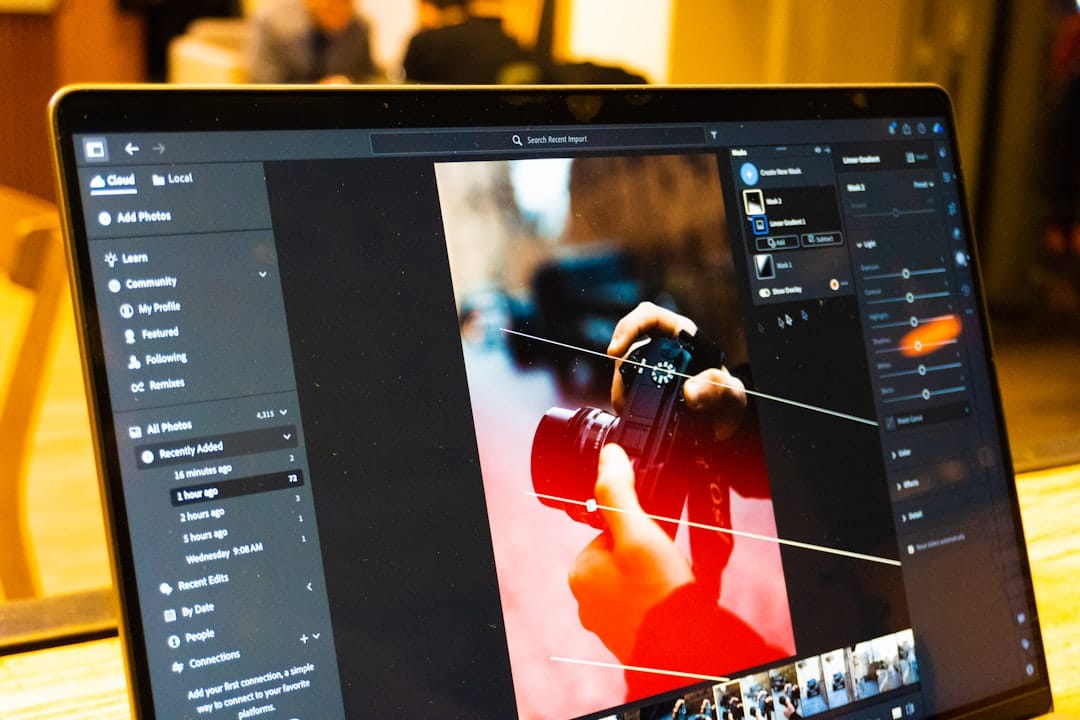
Creative and Design Software You Don't Have to Pay For
For years, creative work meant surrendering to Adobe's monthly toll, but that era is quietly ending. Canva's free tier is enough to produce social posts, client presentations, simple logos, and marketing materials that look far more expensive than they cost — which, again, is nothing. Its drag-and-drop simplicity means you don't need a design background to turn out work you're proud to send. For photographers and anyone doing serious image editing, GIMP is the open-source heavyweight, offering layers, masks, and retouching tools that rival paid alternatives once you climb its slightly steep learning curve.
Illustrators and anyone working with logos or scalable graphics should reach for Inkscape, a genuinely capable vector editor that costs nothing and runs on every platform. If your work drifts into video — and increasingly, remote work does — DaVinci Resolve's free version is used on Hollywood productions, yet you can install it on a decent laptop and edit client reels from a co-working desk in Bali. The free tier is not a stripped-down teaser; it's a professional tool that happens to have a generous heart.
Audio deserves a mention too, especially for the growing tribe of podcasters and course creators. Audacity remains the reliable, free workhorse for recording and cleaning up voice tracks, whether you're producing a client's marketing podcast or narrating your own online course. Between these tools, an entire creative studio fits inside your carry-on, costing you only the electricity to charge your laptop.
Security, Storage, and the Tools That Protect Your Livelihood
When your office is a rotating cast of cafés, airports, and co-living lounges, security stops being an abstraction and becomes survival. A password manager is the first non-negotiable, and Bitwarden's free tier is superb — it stores unlimited passwords across all your devices, generates fortress-grade credentials, and encrypts everything so a lost laptop doesn't become a stolen identity. Installing it before you leave is one of those small acts that saves future-you from a very bad afternoon.
Public Wi-Fi is a gift and a hazard in equal measure, which is where a VPN earns its keep. Proton VPN offers a genuinely free tier with no data caps — a rarity — routing your connection through secure servers so that nosy networks can't peer into your work. Pair it with Proton Mail's free encrypted inbox and you've got a privacy-conscious communication setup that costs nothing yet protects the client trust your entire income depends on.
For backup, the golden rule is that your files should never live in only one place. Google Drive's 15GB, MEGA's generous 20GB free tier, and Dropbox's smaller allowance can be combined for redundant, automatic backups so that a spilled coffee or a snatched bag never costs you a project. This kind of quiet discipline is part of a wider set of habits worth building early — the sort of practical wisdom covered in these digital nomad lessons for life on the road. Redundancy feels tedious until the day it saves your career.
Common Mistakes When Building a Free Software Stack
Common Mistakes When Building a Free Software Stack
Guidance on avoiding integration gaps, support limitations, and security risks when selecting free tools.
| Common Mistake | Impact | Recommended Action |
|---|---|---|
| Ignoring integration compatibility | Workflow disruption | Check API documentation |
| Selecting tools without support channels | Unresolved technical issues | Prioritize community-backed projects |
| Overlooking data encryption standards | Security vulnerability | Verify end-to-end encryption |
| Mixing too many disparate tools | Context switching fatigue | Consolidate where possible |
The first trap is mistaking free for frictionless. Free tiers often come with limits — storage caps, feature locks, or session timeouts — and the mistake isn't using them, it's failing to plan around them. Before you rely on a tool for a big client project, spend an evening testing exactly where its walls are. Discovering Zoom's forty-minute limit mid-pitch, or Notion's guest restrictions the night before a deadline, is the kind of avoidable stress that curdles the whole nomad experience.
The second mistake is tool sprawl. Because free software is so easy to sign up for, it's tempting to hoard a dozen half-used apps until your workflow becomes a maze of scattered logins. Resist this. Choose one tool per job and learn it deeply. A single, well-understood free stack beats a sprawling collection of forgotten accounts every time, and it keeps your mental load light enough to actually enjoy the view outside the window.
Finally, don't neglect the offline question. Connectivity abroad is gloriously unpredictable, so favour tools with genuine offline modes and local backups. The most elegant free stack in the world is useless the moment you're on a mountain train with no signal and a document that only exists in the cloud. Build for the worst-case connection, and you'll rarely be caught out. If you're just making the leap, weaving these habits into your broader transition from a 9-to-5 to a digital nomad lifestyle will save you money and headaches from day one.
The freedom of remote work isn't only about geography — it's about how little you need to carry, digitally and financially, to keep your work running smoothly. A thoughtfully assembled stack of free tools can cover communication, organisation, creativity, and security so completely that the monthly subscription drain becomes a choice rather than a default. Every euro you don't spend on software is another day of runway, another slow morning in a place you'd never have reached if the overheads had won.
Start small. Install the two or three tools that map most directly to your daily work, test their limits before you depend on them, and let your stack grow only as your needs genuinely demand. The best software for remote work is the software that quietly disappears into the background, leaving you free to focus on the work you love and the world unfolding just beyond your screen.