How Bosses Track Remote Workers
There is a particular kind of quiet that settles over you when you're working from a sun-drenched apartment in Lisbon, or a co-working loft in Chiang Mai, and a thought drifts across your mind mid-task: how much of this can they actually see? The cursor blinking on a shared document, the green dot beside your name in Slack, the minutes ticking by on a project tracker. Somewhere behind that interface, a manager is forming an impression of how you work — and increasingly, that impression is shaped less by conversation and more by data.
Remote work promised freedom, and for millions of location-independent professionals it has delivered exactly that. But the same distance that lets you answer emails from a beach town in Oaxaca has made employers anxious in ways that older office-bound managers rarely admit out loud. When they can't glance across a room and see you typing, many companies reach for software instead. Understanding what those tools do — and, just as importantly, what they cannot do — is one of the quiet survival skills of the modern nomad.
This is not a story meant to frighten you. It is a map. If you know where the sensors are and how they read the terrain, you can move through your working day with confidence rather than paranoia. Let's walk through exactly how bosses track remote workers, why they do it, and how you can build a working life that stays both private and trustworthy.
The Everyday Signals Your Employer Already Sees
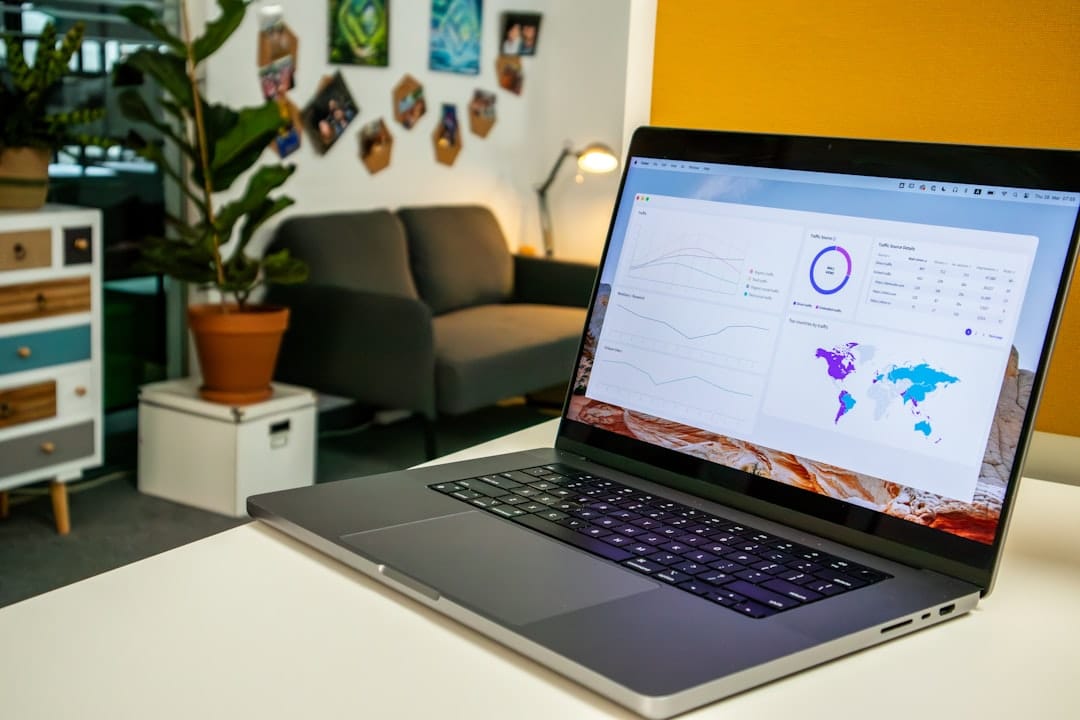
Before you imagine anything cinematic, understand that most tracking begins with tools you already use every day. Your presence indicator in Slack, Microsoft Teams, or Google Chat quietly reports whether you're active, away, or offline. That little coloured dot is the single most common form of remote surveillance, and it requires no special software at all. Managers glance at it the way they once glanced across an open-plan office, forming an impression of who is 'around' and who has drifted off.
Beyond status lights, your calendar and email systems produce a steady stream of metadata. Timestamps on sent messages reveal when your working day starts and ends. Response times in shared inboxes get logged. Version history in Google Docs and Microsoft 365 shows precisely when you edited a file, and sometimes who was editing alongside you. Project management platforms like Asana, Jira, Trello, and Monday create a detailed record of when tasks move from one column to the next. None of this was designed as spyware, yet together it paints a surprisingly complete portrait of your rhythm.
The lesson here is not to game these signals, but to recognise that consistency reads as reliability. A manager who sees your commits, edits, and messages arriving in a steady pattern rarely feels the need to dig deeper. It is the erratic silence — long gaps, missed windows, messages that arrive at strange hours with no explanation — that prompts questions. This is especially relevant if you're navigating time zones, a challenge every traveller eventually faces when their morning is someone else's midnight.
Dedicated Monitoring Software and What It Actually Records
Dedicated Monitoring Software and What It Actually Records
Comparison of three common workplace monitoring tools and their recording capabilities.
| Data Type | Keystroke Loggers | Activity Monitors | URL Trackers |
|---|---|---|---|
| Keyboard Input | Yes | No | No |
| Screenshots | Frequent | Occasional | No |
| Website Visited | All sites | Work-related only | All sites |
| App Usage | Complete log | Productivity apps | No |
| Least Invasive | No | No | Yes |
Illustrative figures — composed for shape, not sourced
Then there is the more deliberate layer: employee monitoring software installed on company-issued machines. Tools with names like Hubstaff, Time Doctor, ActivTrak, Teramind, and Insightful sit quietly in the background and capture far more than a status dot. Depending on the settings an employer chooses, these programs can log active application usage, track which websites you visit, measure keyboard and mouse activity to gauge 'idle' time, and in the more aggressive configurations, capture periodic screenshots of your desktop or even record short clips of screen activity.
Some of these platforms go further still. Keystroke counters tally how many keys you press per hour as a crude productivity proxy. GPS or IP-based location logging can reveal roughly where a company device is connecting from — a detail that matters enormously if you've told your employer you're in Berlin while actually working from Bali. Certain webcam-enabled 'focus' features can snap photographs at intervals, though these are increasingly rare and legally fraught in many jurisdictions. The important thing to know is that these tools almost always live on the company's device, not your personal one, and their reach ends at the edge of that hardware.
If you're weighing up the leap from office life to full location independence, it's worth understanding this landscape before you sign anything. Our guide on transitioning from a 9-to-5 to a digital nomad lifestyle covers the conversations worth having with an employer before you pack a single bag — including how honest to be about where you'll actually be working.
Enjoying this? Get more like it.
Weekly picks for remote workers and digital nomads — tools, destinations, and honest takes, straight to your inbox.
Subscribe free →
The VPN, the IP Address, and the Location Question
For the travelling professional, location tracking is often the most sensitive topic of all. Every time your device connects to a company system, it carries an IP address, and that address can be resolved to an approximate geographic location. If your employer expects you to be logging in from Toronto and the logs show a connection from Lisbon, that discrepancy can surface in a security dashboard without anyone actively spying on you. Many companies now run 'impossible travel' alerts that flag when an account logs in from two distant places in an implausibly short window.
This is where many nomads reach for a corporate or personal VPN to present a consistent 'home' location. It is a common practice, but it is not a magic cloak. A VPN masks your IP address, yet it does not hide time-zone mismatches in your activity patterns, metadata baked into files, or the simple fact that your working hours have drifted. More to the point, quietly relocating without telling your employer can create genuine legal and tax complications for both of you — issues that go far beyond the annoyance of a flagged login. Working from another country changes where taxes may be owed and whether your company has the right to employ you there at all.
The more sustainable path is transparency paired with good destination choices. Picking bases with reliable infrastructure and reasonable time-zone overlap removes most of the friction before it begins. If you're planning your next move, our roundup of slow travel cities for digital nomads on a budget leans toward places where staying connected and productive is genuinely easy — which quietly solves half your tracking concerns before they arise.
Why Managers Track at All — and How to Read Their Motives
It helps to remember that most managers are not villains hunched over a bank of screens watching your every keystroke. They are, more often than not, anxious people managing upward. When their own leadership asks whether the remote team is 'really working', tracking software becomes a security blanket — a dashboard they can point to. Much of remote monitoring exists to reassure the person doing the monitoring, not to catch you out. Understanding this changes how you respond to it.
There is also a well-documented psychological trap at play called proximity bias, where managers unconsciously favour the colleagues they can physically see and reward visible presence over actual output. When you're a continent away, the numbers on a dashboard become your proxy for being 'in the room'. This dynamic is worth taking seriously, because it can quietly shape who gets promoted and who gets overlooked. We explore it in depth in our piece on what proximity bias means for your role, and it explains why simply doing good work is sometimes not enough when you're invisible.
The antidote is to make your output legible on your own terms before the software has to do it for you. A short end-of-week summary of what you shipped, a visible presence in the channels that matter, a habit of narrating your progress rather than going dark for days — these small acts of communication do more to build trust than any amount of frantic mouse-jiggling. When a manager already feels informed, the impulse to surveil fades. You are, in effect, feeding the reassurance they were seeking from the dashboard, but with substance instead of screenshots.
Protecting Your Privacy Without Sacrificing Trust
Protecting Your Privacy Without Sacrificing Trust
Privacy strategies and their impact on employer relationships and detection risk.
| Strategy | Privacy Gain | Relationship Impact | Detection Risk |
|---|---|---|---|
| Open communication | Moderate | Strengthens trust | None |
| VPN + ethical use | High | Neutral to positive | Low |
| Circumvent all tools | Very high | Damages trust | Very high |
| Set boundaries | Moderate | Strengthens trust | None |
Illustrative figures — composed for shape, not sourced
The single most powerful privacy habit is also the simplest: keep a clean line between company hardware and your personal life. Never install personal accounts, private browsing, or side projects on a monitored work device. Assume that anything you do on company equipment — every tab, every message, every idle minute — may be visible to someone. Do your personal banking, your journalling, and your after-hours scrolling on a separate phone or laptop that your employer has no software on and no right to inspect. That boundary alone resolves the vast majority of privacy fears.
It is also entirely reasonable to ask your employer directly what monitoring is in place. Many jurisdictions — across much of the EU, the UK, and several US states — legally require companies to disclose surveillance and obtain some form of consent. A calm, professional question during onboarding ("What tools do you use to track work, and what do they capture?") signals that you take the working relationship seriously and often surfaces more honesty than you'd expect. Ambiguity is where anxiety breeds; clarity dissolves it. Keep any written policy you're given, because it defines the boundaries of what is and isn't allowed.
Finally, resist the temptation to fight surveillance with deception. Automated mouse-movers, fake activity generators, and elaborate schemes to spoof presence tend to backfire spectacularly, because monitoring platforms are increasingly good at detecting mechanical, non-human patterns. Worse, being caught faking activity destroys the one thing remote work actually runs on — trust. The travellers who last longest in this lifestyle are not the ones who beat the tracking software; they are the ones who make the software irrelevant by being genuinely, visibly good at their jobs. It also happens to be far less exhausting than living in a state of low-grade paranoia, which is its own quiet contributor to remote work burnout.
So how do bosses track remote workers? Through a layered mix of everyday collaboration signals, dedicated monitoring software on company devices, and the quiet geography of IP addresses and login patterns — all underpinned by a very human desire for reassurance. Most of it is far less sinister than the imagination fears, and nearly all of it becomes a non-issue when you pair honest communication with sensible boundaries around your own hardware and your own life.
The freedom of working from anywhere is real, and it is worth protecting. Do that not by hiding, but by being the kind of professional whose work speaks clearly across any distance. When you know where the sensors are, you stop flinching at them — and you get on with the actual point of all this, which was never the dashboard. It was the window in front of you, and whatever extraordinary place lies beyond it.